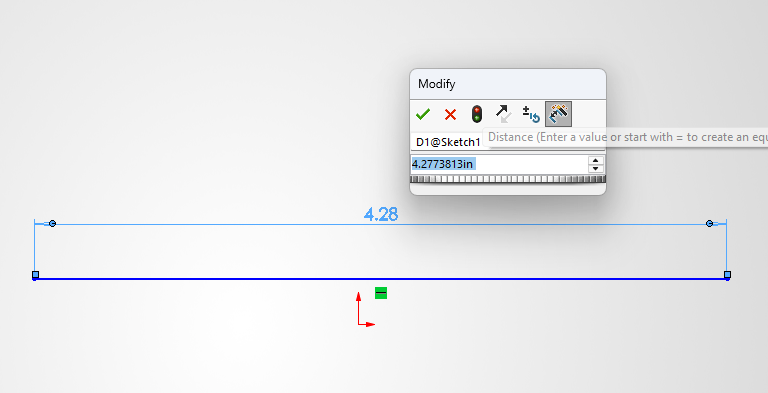
Sketches are the basis of everything inside SOLIDWORKS. Adding dimensions to sketches is an essential part of the sketching and design workflow. Dimensioning sketches can be done in multiple ways, and in this article, we’ll showcase the two most common methods to show dimensions when creating a sketch. These methods speed up workflows and increase […]
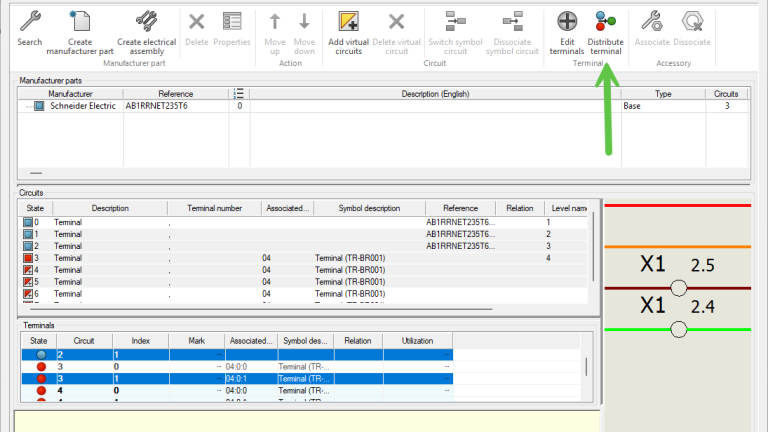
How to Use Multiple Terminal Symbols in SOLIDWORKS Electrical
Prior to SOLIDWORKS Electrical 2025, unlike other electrical components, you were unable to insert multiple terminal symbols. Therefore, a workaround is required for single-level terminals in versions older than SOLIDWORKS 2025. While SOLIDWORKS Electrical 2025 and newer versions added a new workflow to natively represent single-level terminals with multiple symbols, there is a solution for […]
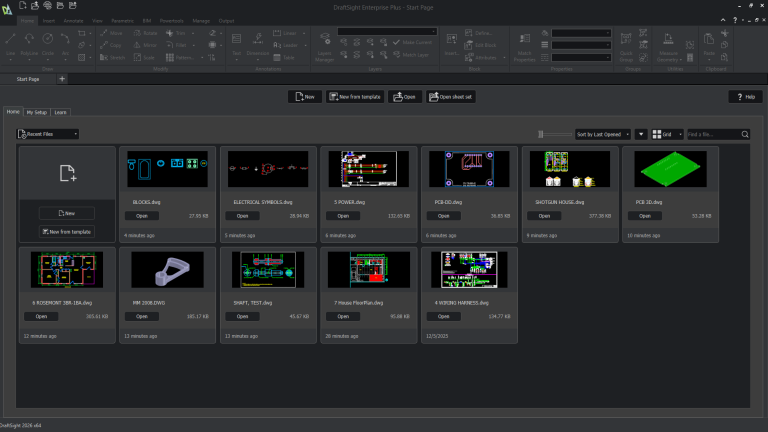
Introducing the Start Page in DraftSight 2026
Before DraftSight 2026, users were met with an empty drawing when launching the software. While this can let you immediately start a new drawing or navigate elsewhere, beginners would be left without much guidance. For premium-level licenses, including DraftSight Premium, Enterprise Plus, and Mechanical, you can now use the newly introduced Start Page to quickly […]
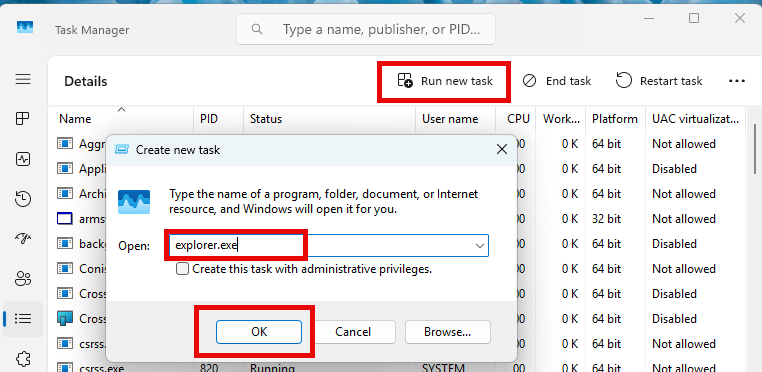
How to Resolve the “Could not read reactor table version” Error for SOLIDWORKS PDM
If you’re working with SOLIDWORKS PDM and encounter the warning message “Could not read reactor table version”, you’re not alone. Fortunately, there’s a straightforward way to resolve this and get your SOLIDWORKS PDM vault running properly. What Causes the “Could not read reactor table version” Error? This issue typically arises when a client workstation has […]
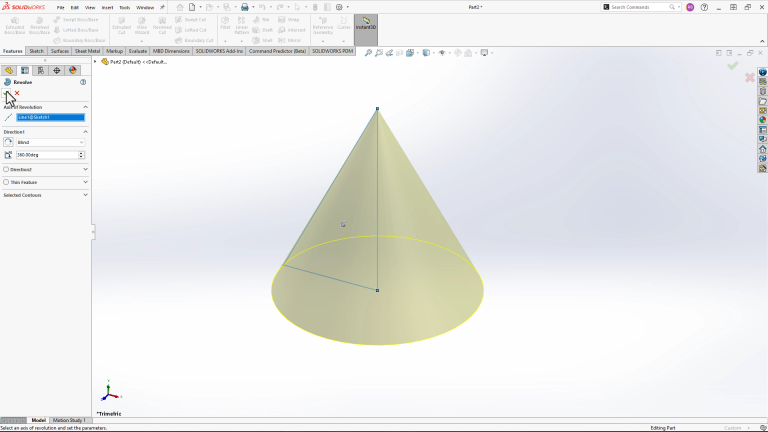
How to Make a Cone in SOLIDWORKS
Even the most fundamental SOLIDWORKS tasks can leave you stumped when there are so many ways to complete them. Knowing how to make a cone is one of those tasks that, depending on how you were trained, you may approach it differently. We’ll review the three most common ways to make a cone in SOLIDWORKS, […]

How to Reorient SOLIDWORKS Model Views
Knowing how to reorient SOLIDWORKS model views is critical for creating accurate drawings, assemblies, and presentations. Whether you’re preparing a technical drawing or setting up a rendering, having the correct view alignment ensures clarity and consistency. What Are The Standard SOLIDWORKS Model Views? SOLIDWORKS uses standard model views such as the Front, Top, Right, and […]

Père Castor, raconte-moi la loi de Conway
(ou pourquoi le réseau de tunnels est tout tordu)
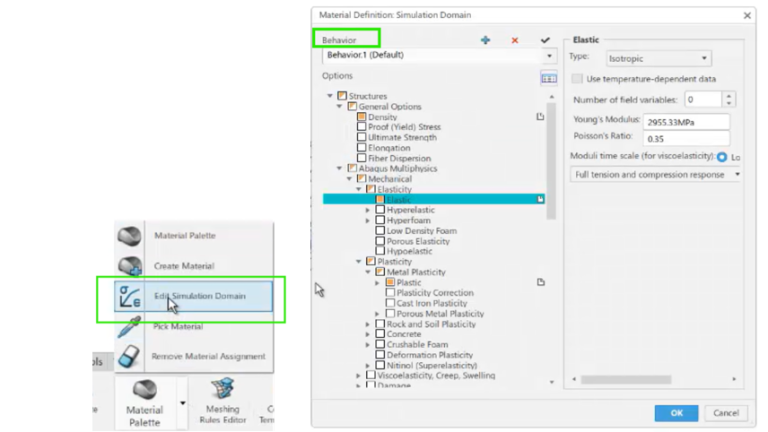
Improving Simulation Results with SIMULIA’s Material Modeling
SOLIDWORKS Simulation Premium users can use different material models, such as nonlinear elastic, nonlinear plastic, Von Mises, or Tresca, to achieve accurate simulation results. However, a more realistic simulation requires advanced material modeling capabilities, such as those offered by SIMULIA. How SIMULIA Improves Simulation Results On the 3DEXPERIENCE platform, SIMULIA provides advanced simulation capabilities that […]
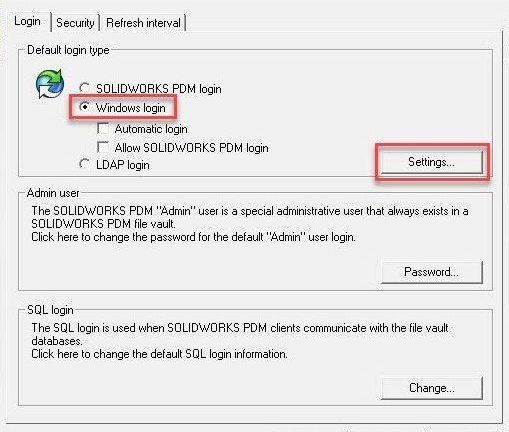
Setting Up Windows Users in SOLIDWORKS PDM Professional
SOLIDWORKS PDM has the ability to make ad hoc users or groups with their own usernames and passwords, not tied to any other system. This works for some organizations to have users remember login information for both Windows and SOLIDWORKS PDM, but some require single sign-on capabilities. SOLIDWORKS PDM Professional enables you to configure Windows […]
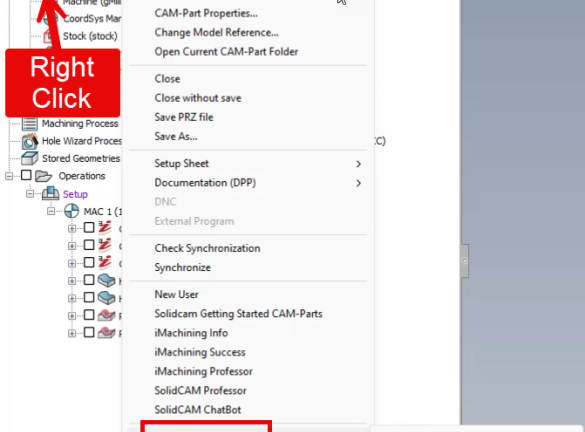
How to Create a “Send To” File Set for SolidCAM Troubleshooting
SolidCAM’s Send To feature is a built-in utility that helps you quickly package and share your CAM-Part project. This feature is immensely helpful when you need to share your project with technical support, another programmer, or an archive location. By using the Send To feature, you ensure that whoever receives the file has the same […]