
It’s not the norm yet, but chargers with screens are slowly becoming more affordable, and we’re excited to see it. The Baseus PicoGo Pro with a 100W output and three USB-C ports is a favorite, costing just $42 right now thanks to a steep 30% discount on Amazon. If you’ve been thinking about buying something […]
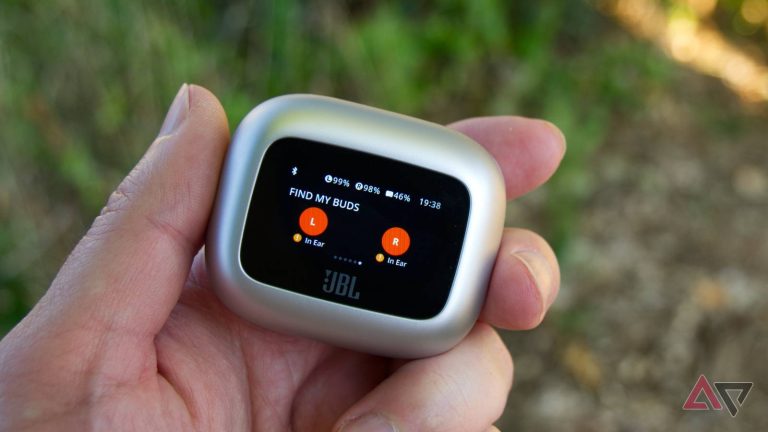
These JBL earbuds have great sound, a screen on the case, and they’re now 42% off
No matter where I go, I usually pack my wireless earbuds. Not only are they handy for calls on the go, but just in case I have some downtime, I can also watch some videos or listen to music without bothering others around me. Now, there are a ton of choices when it comes to […]
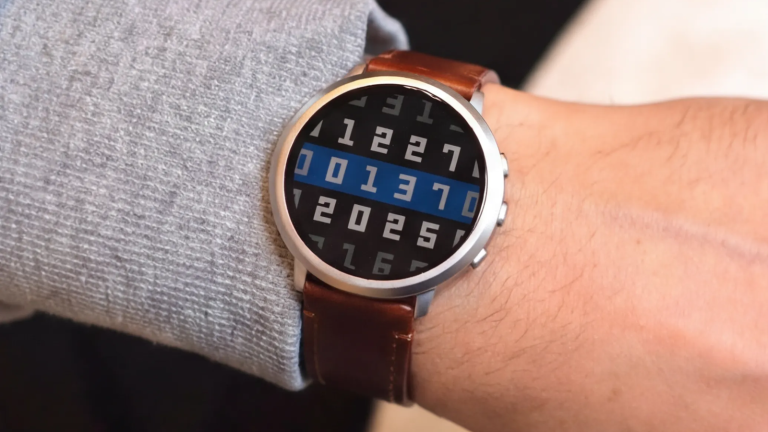
Pebble plugins are here, and it’s the big change we’ve been waiting for
Pebble’s resurgence has been impressive. Google released the source code, and then Eric Migicovsky took to social media to announce that Pebble was coming back. There have been a few projects to come from this, but it looks like the Pebble software could be getting its biggest update yet. Migicovsky shared on social media that […]
Android 17 QPR3 Beta 2 squashes crashes and reboots on Pixel phones
A little over a week ago, we got Android 17 QPR 3 Beta 1. Now, Google has dropped the follow-up with Android 17 QPR 3 Beta 2, just as curious beta testers were asking when the release was going to come. And as you might expect with an early beta, this new release brings a […]
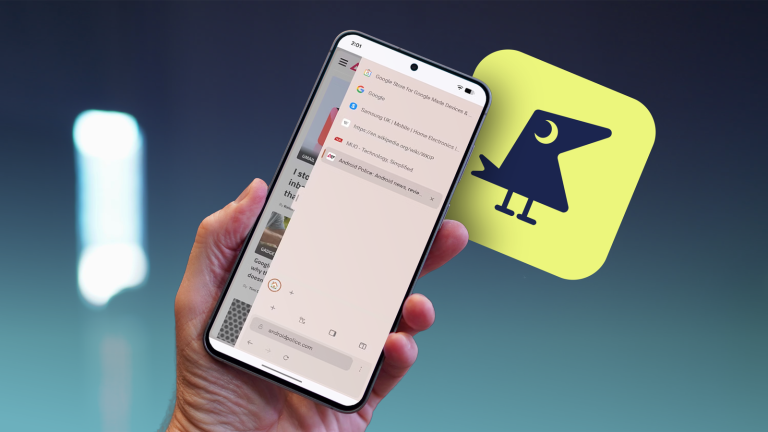
Sideraven brings vertical tabs to mobile; it’s my new favorite browser
Since February, I’ve been using Google Chrome’s vertical tabs feature. Initially limited to the Canary branch after briefly existing on Chrome’s beta branch in January, I nevertheless found it to be an invaluable tool. However, vertical tabs still haven’t made their way to Chrome’s mobile app. It’s frustrating, as I think a vertical tab layout […]
Android 17 QPR2 Beta 7.1 finally tackles the multi-second freezes Pixel owners have been dealing with
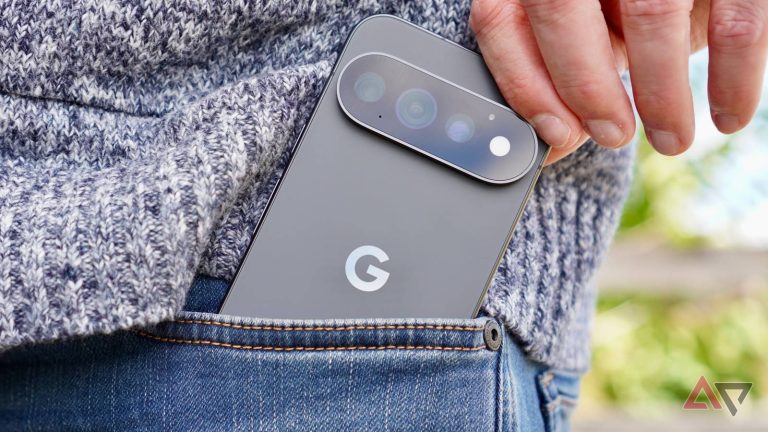
Google has announced that Android 17 QPR 2 Beta 7.1 is now live for compatible Pixel devices. This is going to be a big deal for folks that have been using the beta and dealing with performance issues. There’s only a single fix listed this time around, and it looks like it’s about to address […]
YouTube Music will now flag AI-generated songs for listeners
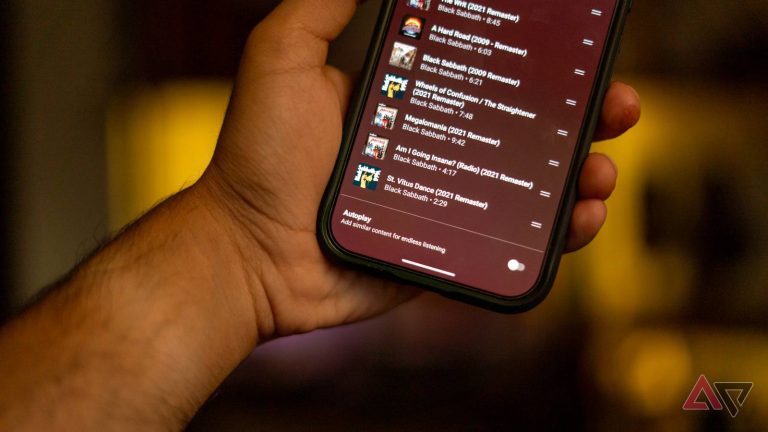
AI-generated content has been circulating for years, making it hard to tell what’s what. And while the visuals might give it away in a video, it’s a little harder to detect if you’re just using your ears. For this reason, YouTube Music is rolling out a clear way for listeners to distinguish AI-generated music. Going […]

Sony WH-1000XM5 hit $198, half price for one of its best headphones
There’s a reason why we’re still talking about the Sony WH-1000XM5 headphones in 2026. They deliver fantastic sound and feature impressive active noise-canceling. And while they’re easy to recommend at their original retail price of $400, they’re an absolute steal at 50% off, like they are right now. You won’t regret it The newly discounted […]
I turned off Gmail’s conversation view, and now I never miss replies
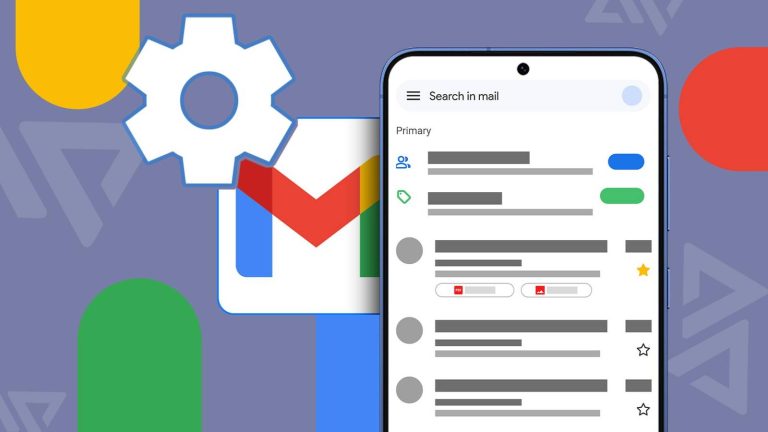
Most of us use Gmail every day without ever really setting it up. We install it, sign in, and adapt to the defaults. The problem is that its most useful behavior-changing options aren’t obvious, and if you miss them during setup, you may never look for them again. I’ve used Gmail so long that I […]
Google’s killing Safety Signal on Pixel Watch 2 and 3
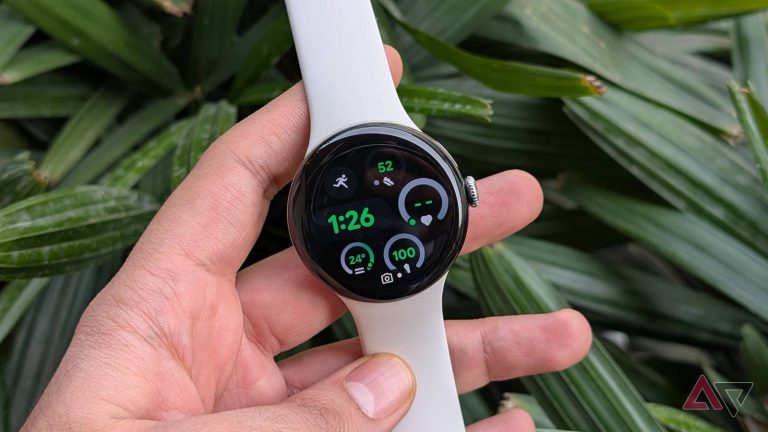
The Pixel Watch 2 and Watch 3 LTE models are losing a critical feature. Google announced it would remove Safety Signal from these watches toward the end of this year (via 9to5Google). If you relied on these features, you’ll want to sign up for wireless service before the discontinuation. You’ll have a few months, so […]