
No matter the tool, you’ll always run into something that requires you to reach out for help. Whether it’s a simple how-to question or something that requires additional investigation, TriMech and Javelin are here to help make sure you always have access to SolidCAM support. SolidCAM bridges the gap between your CAD designs and the […]
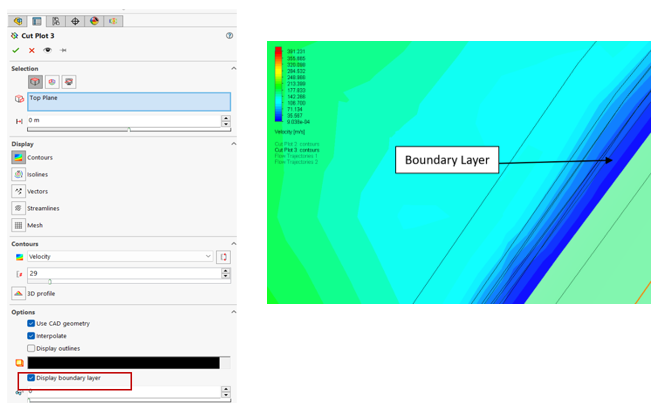
Visualize Boundary Layer and Y-Plus parameter
Ever wondered how to visualize the invisible forces shaping your designs? SOLIDWORKS Flow Simulation has options to visualize the boundary layers and y-plus parameters. In the realm of computational fluid dynamics (CFD), understanding the behavior of the boundary layer and y-plus values is crucial for optimizing your designs. These parameters provide insights into the flow […]
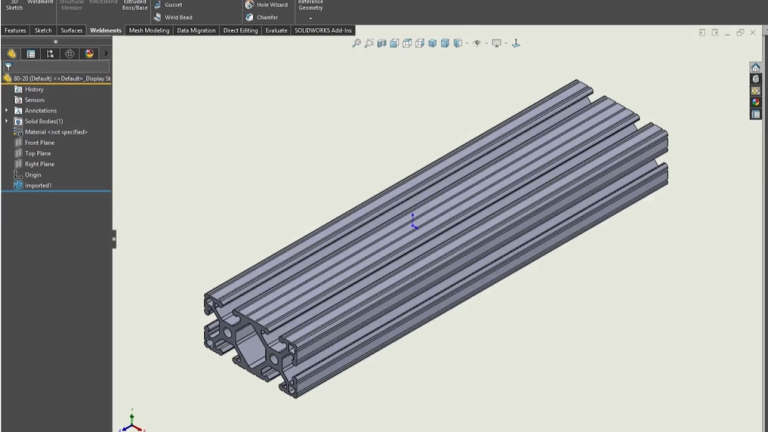
5 Easy Steps for Making Custom Weldment Profiles in SOLIDWORKS
While SOLIDWORKS has a pretty robust user community and content sharing sites with almost any weldment profile in existence, there are always opportunities where you might need to create your own custom weldment profile. This could be a profile with an in-house created, unique cross-section, or even just a commonly used extrusion with no SOLIDWORKS […]
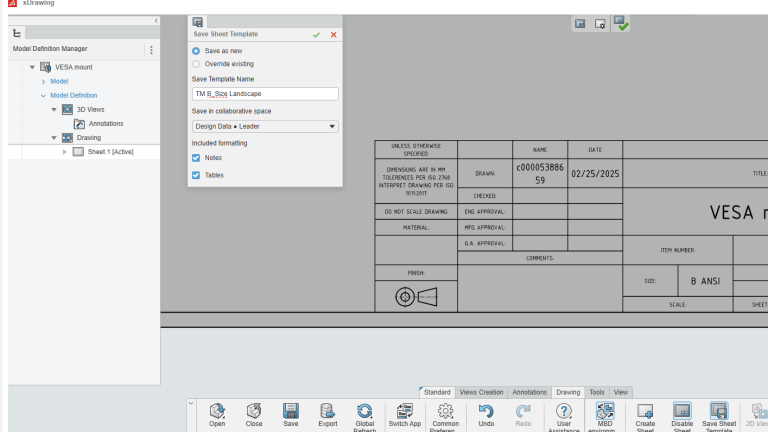
How to Create Drawing Templates Easily with xDrawing
SOLIDWORKS xDesign is a browser-based design system composed of several tools. This article focuses on the tool xDrawing found in the Manufacturing Definition Creator role. xDrawing conveys manufacturing information about designs and prepares them for production. It uniquely combines model-based design with traditional 2D drawings. Since traditional 2D drawings can be created, title blocks and […]
SOLIDWORKS PDM Services from TriMech
Product Data Management (PDM) plays a crucial role in how engineering teams handle their design files, collaborate across departments, and maintain version control. At TriMech, we offer a comprehensive suite of SOLIDWORKS PDM services that help organizations implement, maintain, and optimize their data management environments. If you’re using SOLIDWORKS PDM or thinking about getting started, […]
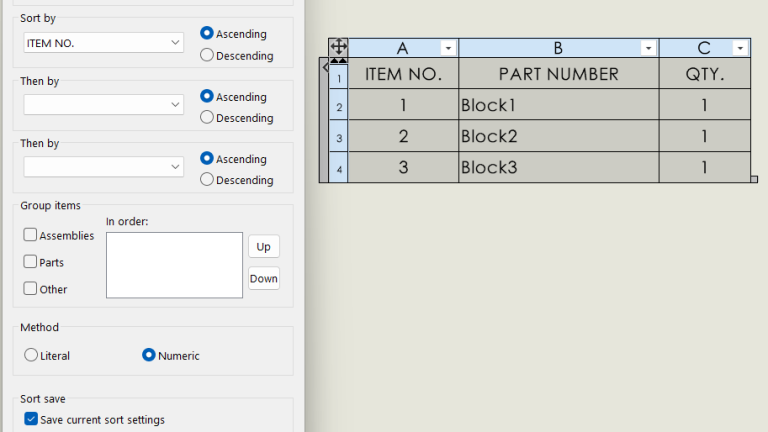
How to Sort a Bill of Materials and Save Settings
SOLIDWORKS allows you to easily sort a Bill of Materials (BOM) to organize a list of components within an assembly and show just the pertinent information you need. The default behavior when you insert a BOM into a drawing is to list components in the order in which the parts were inserted into the assembly. […]
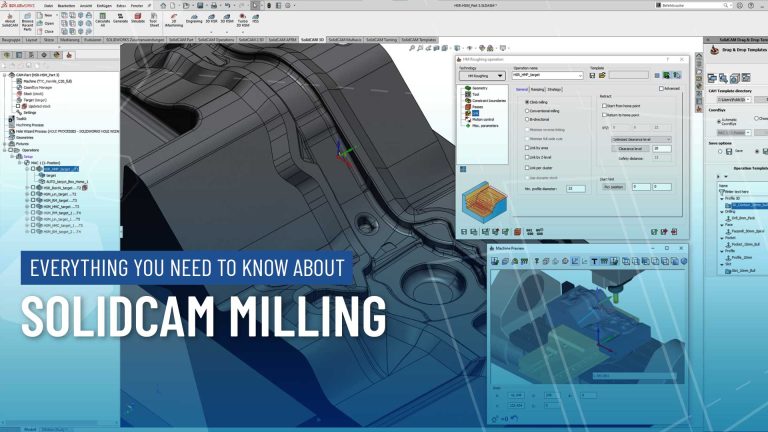
Everything You Need to Know About SolidCAM Milling
With its flexible modules to quickly solve your most complex milling and turning challenges, SolidCAM makes it easy to have a intuitive interface and easy to learn workflow. SolidCAM’s milling capabilities are further broken into modules, allowing users to get exactly what they need from a CAM software package. Working with 2-axis routers up to […]

Golden Path, Golden Cages, Paved Roads, Guardrails : Autonomiser ou enfermer
Les méthodologies de travail qui ont émergé ces dernières années — qu’elles soient issues des approches agiles ou du mouvement DevOps — ont fait de l’autonomie des équipes un principe cardinal. Mais à mesure que cette autonomie s’est installée, l’écosystème technologique s’est fragmenté. Langages, frameworks, outils, patterns : la diversité a explosé. La complexité, elle, […]
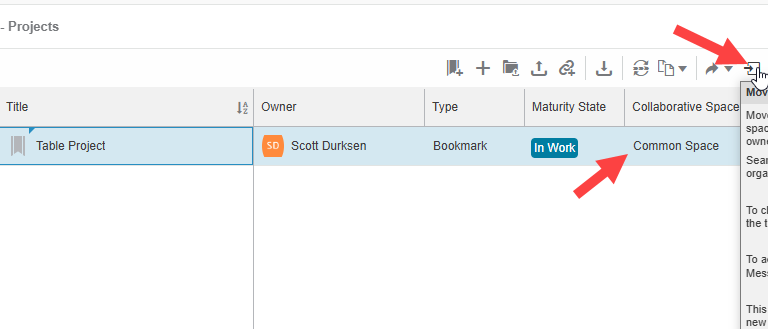
Troubleshooting Missing Bookmarks in 3DEXPERIENCE Bookmark Editor
Bookmarks in 3DEXPERIENCE are a powerful tool for organizing designs and data, helping users keep track of important files and projects. However, sometimes bookmarks may not be visible to all users. If you’ve encountered missing bookmarks in the 3DEXPERIENCE Bookmark Editor, don’t worry; there are several ways to troubleshoot and resolve the issue. Understanding 3DEXPERIENCE […]
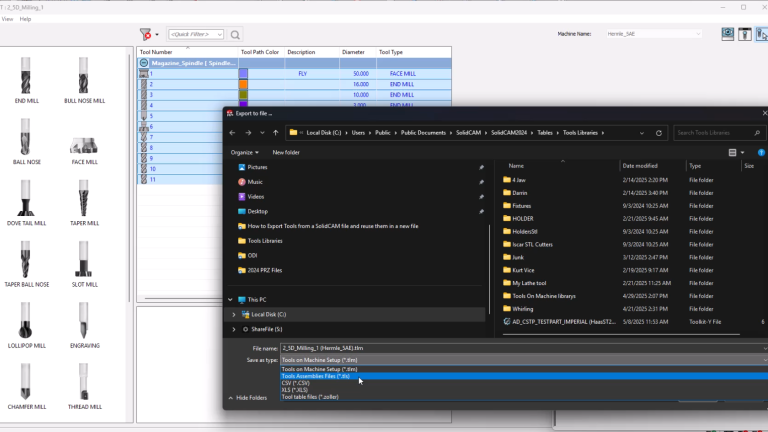
How to Export Tools from SolidCAM Part Files to Reuse Them 1
Have you ever programmed a job in SolidCAM and wondered how to use the same cutting tools in another part file? In this video, you will learn how to export tools from SolidCAM in a completed part file and import them into a new part file. There are 2 methods you can use, but not […]