
SOLIDWORKS PDM 2026 introduces a range of productivity enhancements that support your team working smarter and engineering faster. By upgrading SOLIDWORKS PDM, you can ensure your team has access to the latest enhancements and is using the most secure version of the software. Synchronized Vault Views Synchronized vault views help ensure that checked‑out and modified […]
Author: bapak
How To Improve SOLIDWORKS PDM Performance with File Previews
SOLIDWORKS PDM performance is complex, often needing a deep dive to fully understand what is slowing you down. A common area of concern is that eDrawings lags when loading data when you select a file in your vault. This may seem like an inconsequential slowdown, but that time adds up and can cause you to […]

Un pas en avant, prenons le temps de regarder ailleurs
Pourquoi il est temps de repenser votre stratégie Kubernetes Helm 4 est arrivé en novembre 2025. Six ans après Helm 3, cette nouvelle version majeure promet de réduire la dette technique, d’améliorer les performances et d’introduire de nouvelles fonctionnalités.
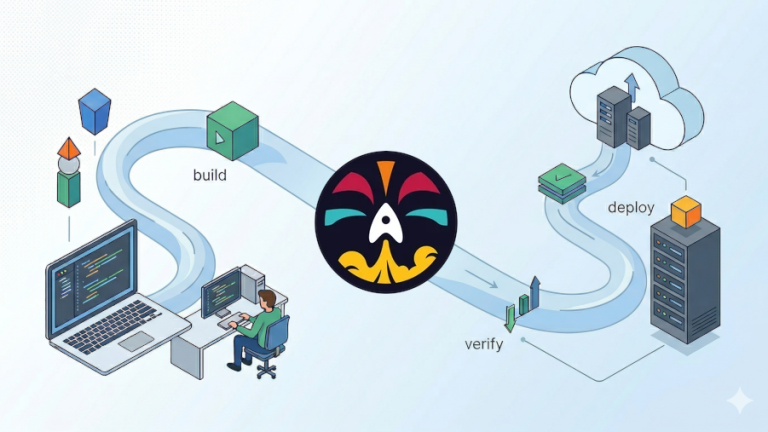
Dagger, un moteur de pipelines léger, exécutable du poste de dev jusqu’à la CI/CD
Dans l’écosystème des plateformes CI/CD (GitHub Actions, GitLab CI, Jenkins, CircleCI, etc.), il n’existe pas de standard. En effet, chaque plateforme impose sa propre syntaxe de définition de pipelines : YAML pour GitHub, Groovy pour Jenkins, etc. La gestion de composants réutilisables diffère aussi : GitHub utilise les actions, Jenkins les shared libraries, etc.
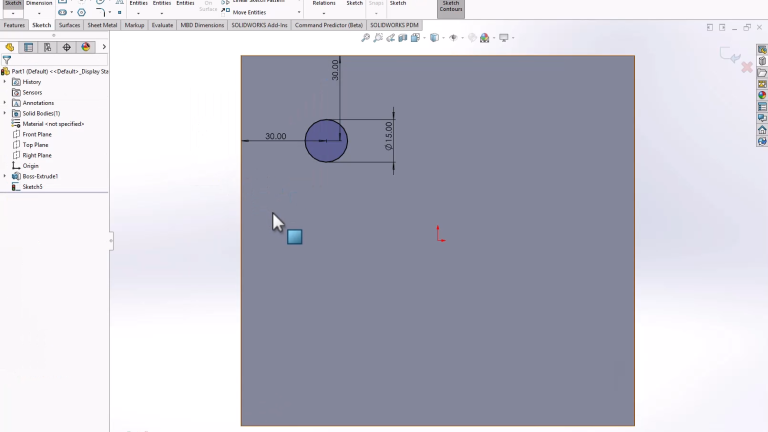
How To Dimension Holes in SOLIDWORKS
Aside from basic sketch tools, knowing how to dimension holes is a fundamental SOLIDWORKS skill. Without dimensioning holes, models lack design intent and leave out critical manufacturing information. With any part, there are multiple ways to add holes and apply dimensions. The two most common ways to dimension a hole are to use the SOLIDWORKS […]
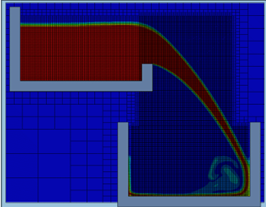
Simulating Free Surface Flow with SOLIDWORKS Flow Simulation
Free surface flow occurs when a fluid interacts with an open boundary, such as water crashing on a beach or sloshing in a moving container. It typically occurs at the interface between immiscible fluids (liquids and air) and proves a challenge to properly account for in your designs. SOLIDWORKS Flow Simulation allows us to simulate […]
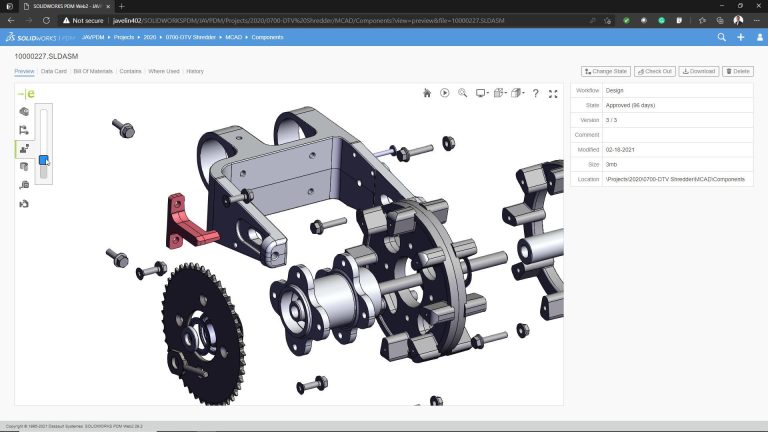
How to Configure SOLIDWORKS PDM Web2
SOLIDWORKS PDM Web2 enables teams to have browser-based access to their file vault from any internet-connected device. While not a perfect replacement for the traditional SOLIDWORKS PDM client, it provides robust access for distributed teams. This essential guide walks you through the core steps to configure SOLIDWORKS PDM Web2 and details the requirements for server […]
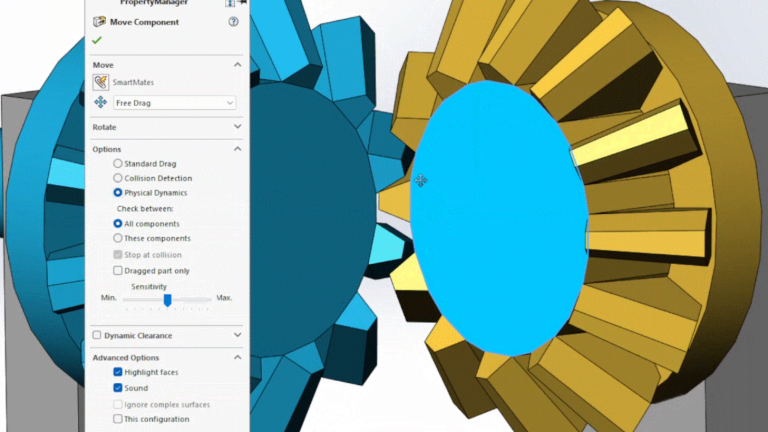
How to Use the Move Component Command in SOLIDWORKS
When doing assembly modeling in SOLIDWORKS, we usually use the Move Component command by left or right-clicking a component and then dragging the cursor. This interactive approach is great for most operations, but it can be challenging to move components precisely. Drag moves are always in plane with your view orientation, and the final location […]

How to Use Particle Simulations on 3DEXPERIENCE
Particles, whether liquid droplets, bubbles, or solids, interact with fluid flows in complex ways. These interactions influence product performance, efficiency, and safety. Understanding behavior within fluid flow with particle simulations is critical for industries ranging from automotive and aerospace to pharmaceuticals and consumer goods. What is Fluid Dynamics Engineer? The Fluid Dynamics Engineer (FMK) role […]

Quand l’infra devient code : testez vos rôles Ansible
Tester son code Ansible : une pratique incontournable La gestion de configuration est devenue un élément central pour maintenir des environnements complexes de manière répétable et fiable. Ansible, avec sa simplicité et sa flexibilité, est souvent le choix privilégié. Mais, malgré sa popularité, beaucoup de playbooks et de rôles sont encore écrits sans tests, ce […]