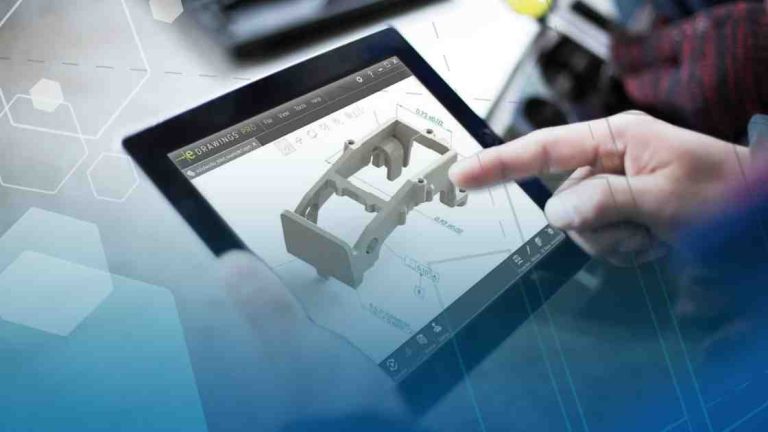
Model Based Definition (MBD) can be challenging for many to wrap their heads around. As engineering design technology has progressed, we’ve gone from the drafting board to 2D software and finally to 3D software. If we’re modeling parts and assemblies in 3D, why not make our drawings 3D too? Annotating your 3D models with dimensions, notes, and all the other critical information that goes into your drawings has many benefits, and this blog will explain why those benefits matter to your work.
 SOLIDWORKS MBD in the 3D model
SOLIDWORKS MBD Gives a Single Source of Truth
Rather than making changes to the 3D file and then having to open and update the drawing, SOLIDWORKS MBD makes it so that your 3D file contains all the relevant dimensions needed for manufacturing. Changes that are made to the model will immediately reflect in the manufacturing information so that you don’t have to be concerned with out-of-date dimensions or other changes that never update rest of your documentation. Having to discuss if a drawing or part is up-to-date becomes a thing of the past.
SOLIDWORKS MBD Saves Time in CAM Software
Product manufacturing information (PMI) that you generate using SOLIDWORKS MBD (including your dimensions and notes) can be brought into many common CAM software programs. Rather than having machinists constantly referencing a paper drawing or a file on a tablet, they can see dimensions, annotations, and GD&T within the interface of the CAM software. This provides clear instructions for programming feature tolerances and surface finishes. This means higher quality and accuracy in the manufacturing process and can even lead to more automated CAM programming.

CAM toolpaths using SOLIDWORKS MBD
SOLIDWORKS MBD Reduces Errors in Manufacturing
Navigating a part in 3D provides clarity that static 2D views can sometimes lack. If a hole callout is missed or erroneous, it may not be caught by manufacturing from just looking at a 2D view. Having things in 3D reduces the chances of misinterpretation or discrepancies. Having clarity in your designs reduces scrap and rework; both of which are critical to production costs.
Download our “How to Adopt Model Based Definition Guide” to learn best practices that will help you shorten the learning curve for adopting MBD and achieve the fastest possible return on investment.
